¶ Step 1: Invert Limit Switches
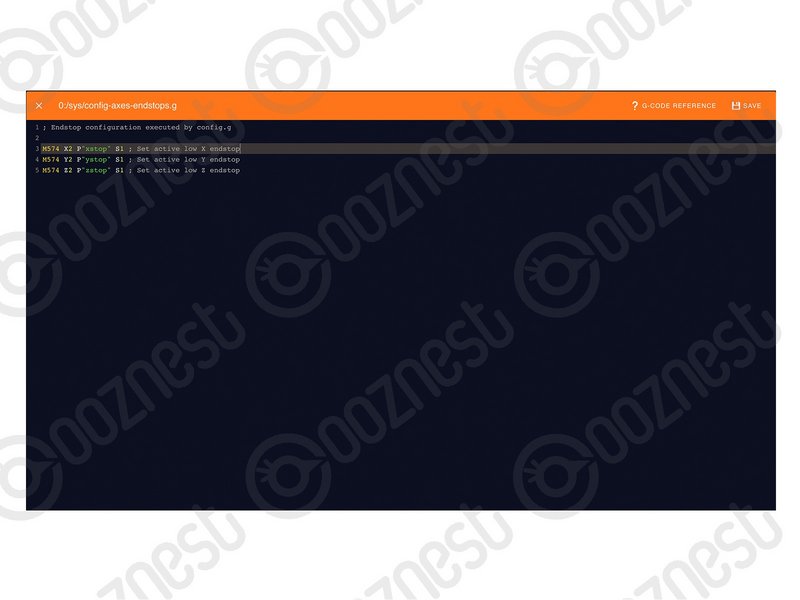
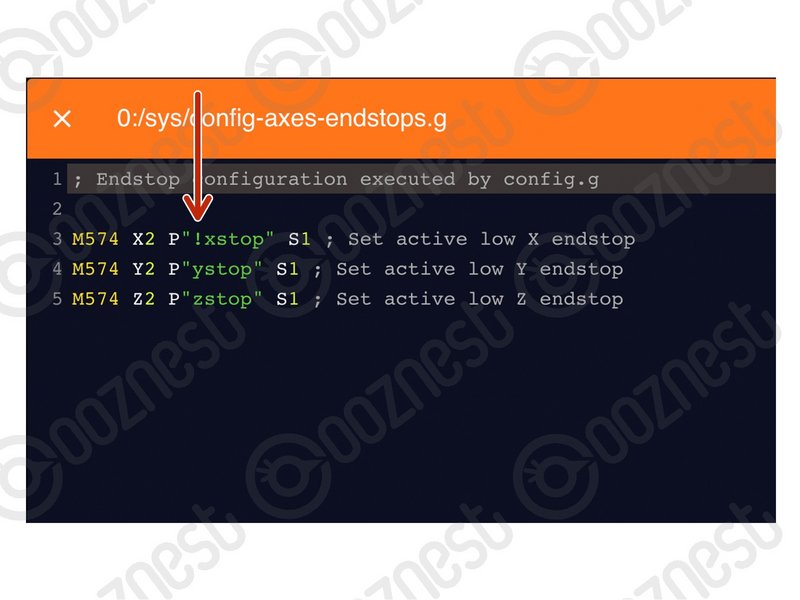
If your limit switches are showing as 'Triggered' when they are not physically pressed, but change to 'Not-Triggered' when pressed, please complete the steps below.
| Image | Instructions |
|---|---|
 |
|
 |
|
If your limit switches are showing as 'Triggered' when they are not physically pressed, but change to 'Not-Triggered' when pressed, please complete the steps below.
| Image | Instructions |
|---|---|
|
|
|
|