Follow these sections in order to install and set up your WorkBee Z1+ to Z2 Conversion Kit. The links open the relevant sections of the WorkBee Z2 assembly manual, retaining their original section numbers.
¶ Electronics Assembly
| Step | Preview | Additional Notes |
|---|---|---|
| 3.2 Limit Switches | 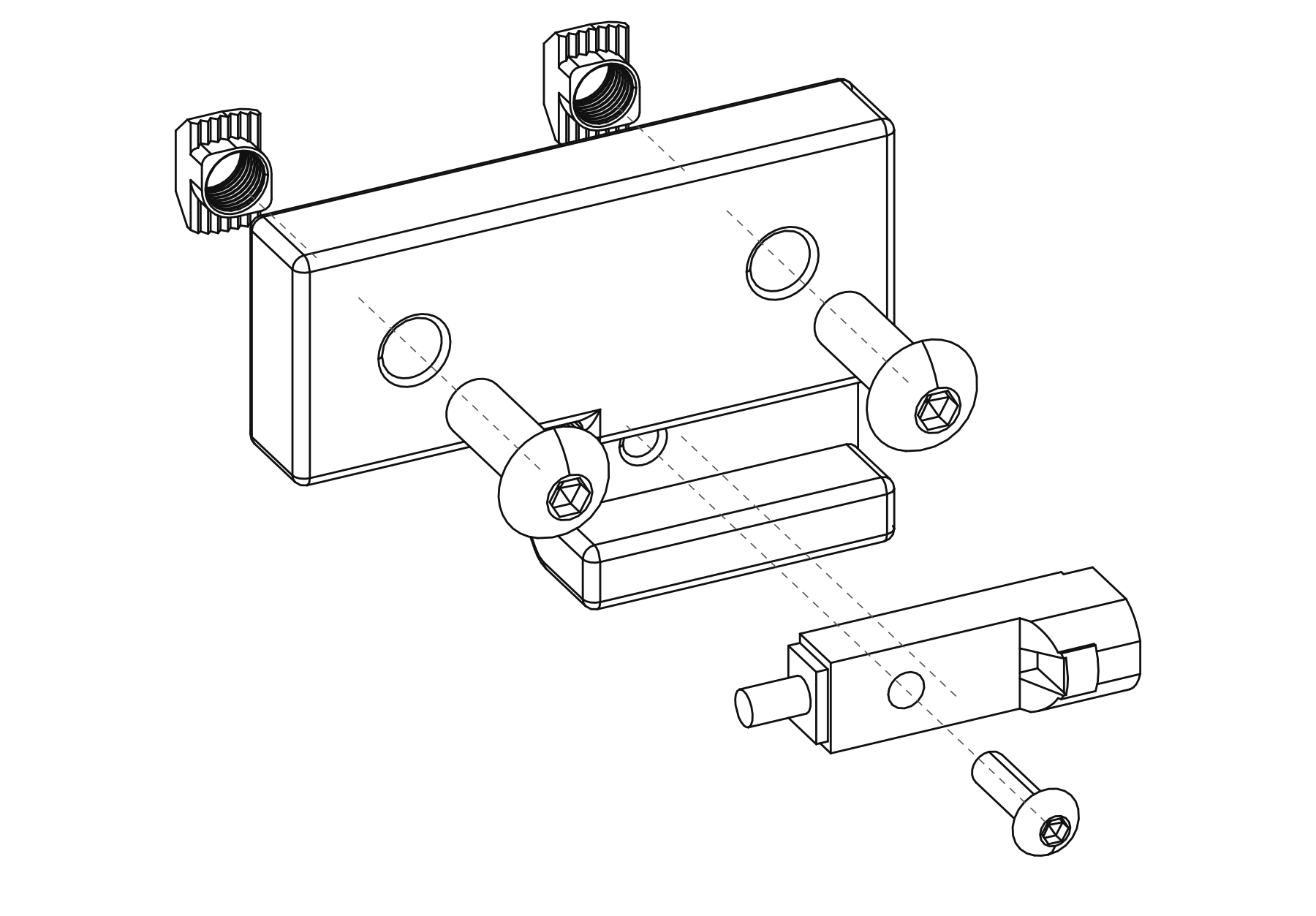 |
Install the X, Y1 and Y2 inductive switches. The Z switch is fitted during 2.3. |
| 3.4 Wire Routing and Controller Mounting | 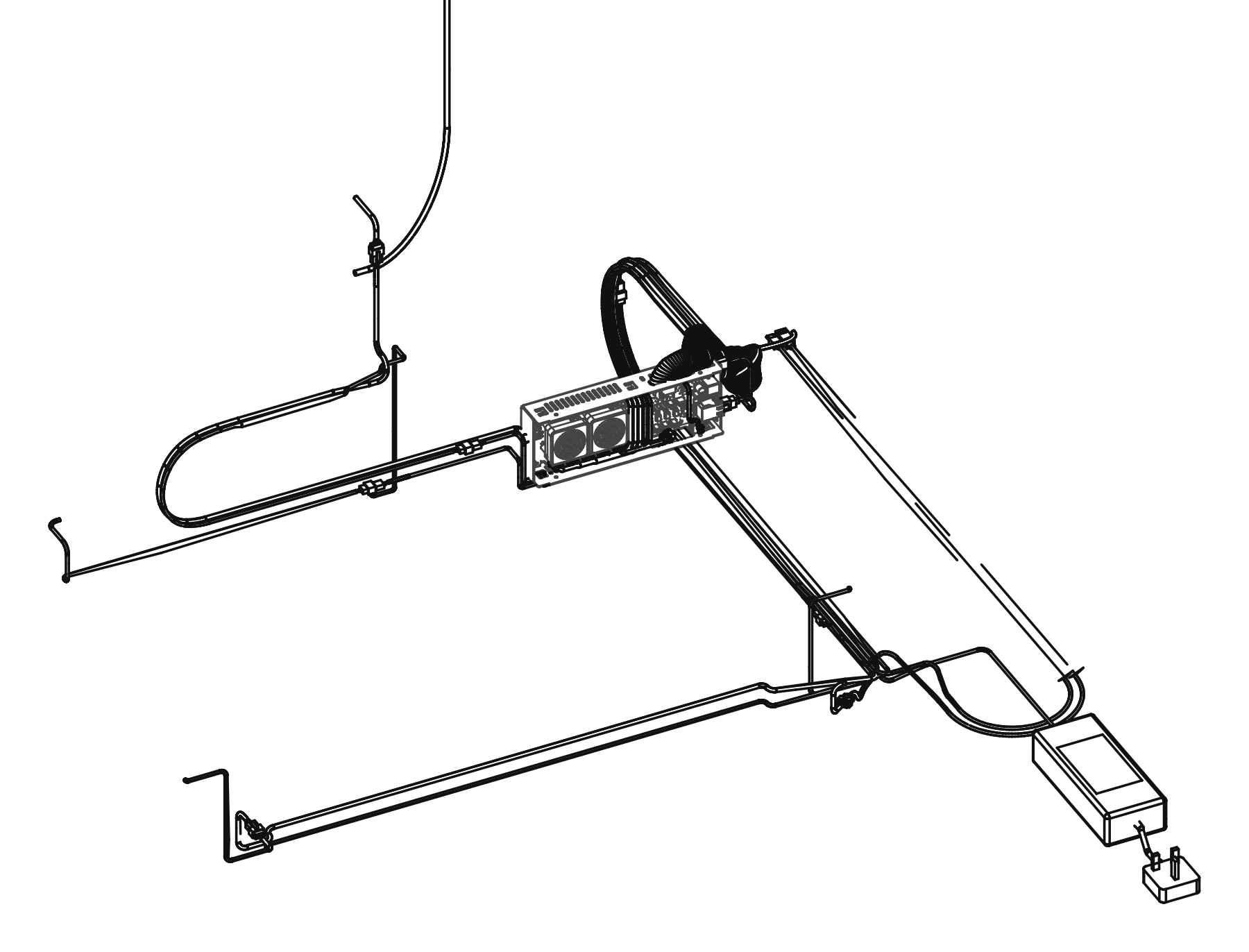 |
Mount the case and PCB, route the cables, and fit the cable ties and orange sleeve. |
| 3.5 Controller Wiring | 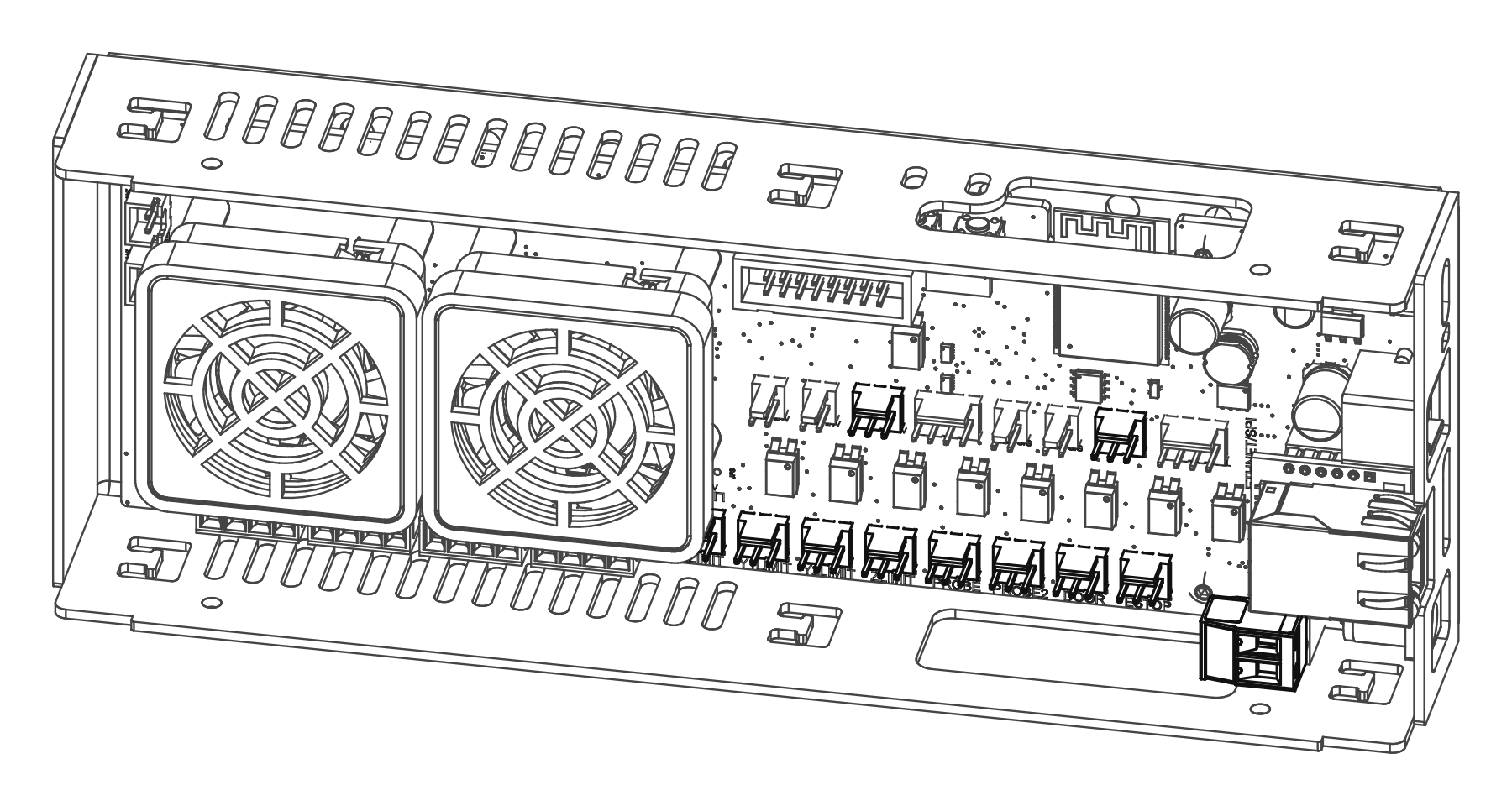 |
Connect the motors, sensors and power to Motion Control Core, then fit the lid. |
¶ Connection, Setup and Testing
Use USB for initial setup, including machines that will later use Wi-Fi or Ethernet.
| Step | Preview | Additional Notes |
|---|---|---|
| 4.1 Download Ooznest Control | 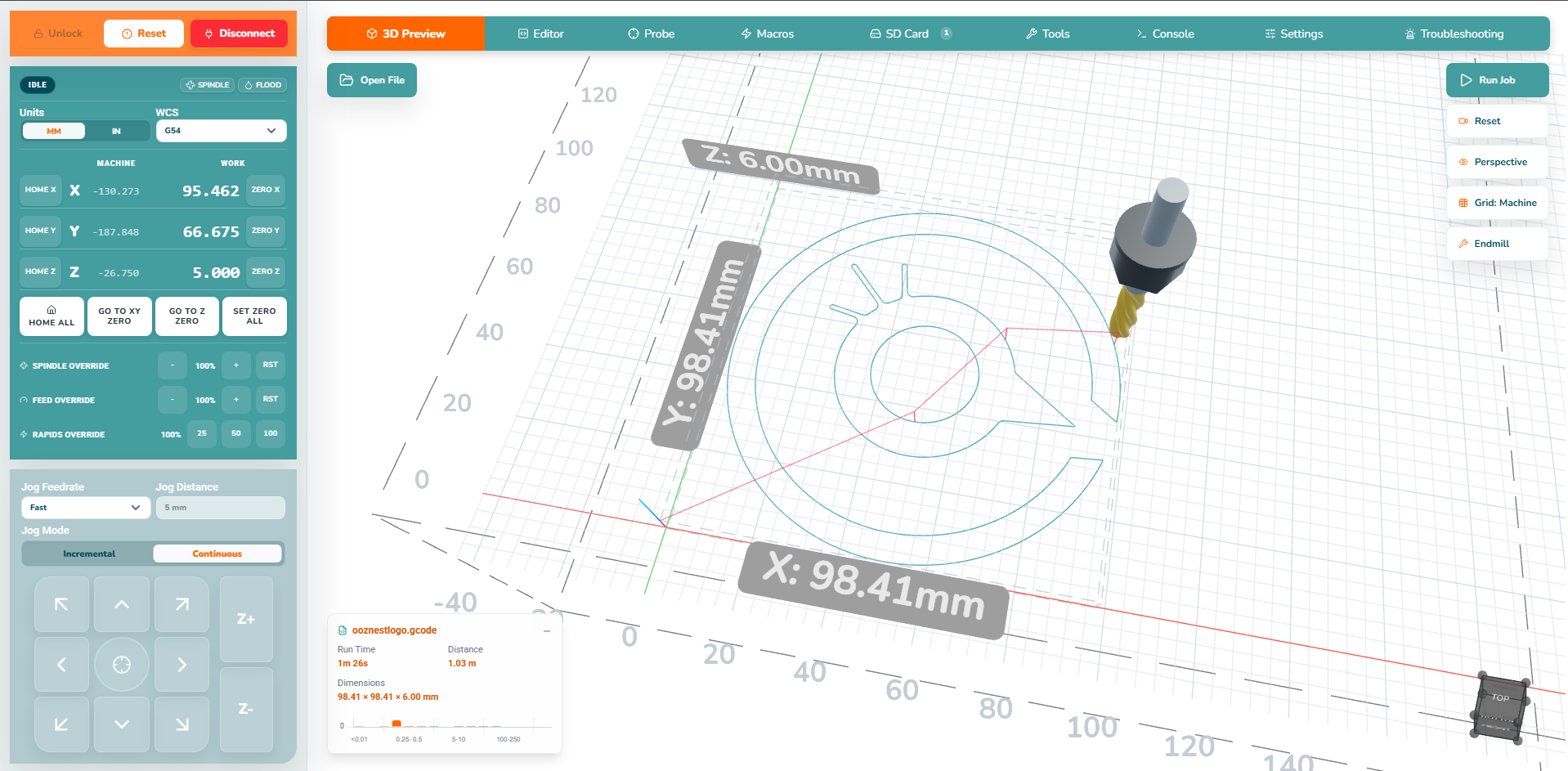 |
Choose the desktop application or online version. |
| 4.2 First Connection and Setup | 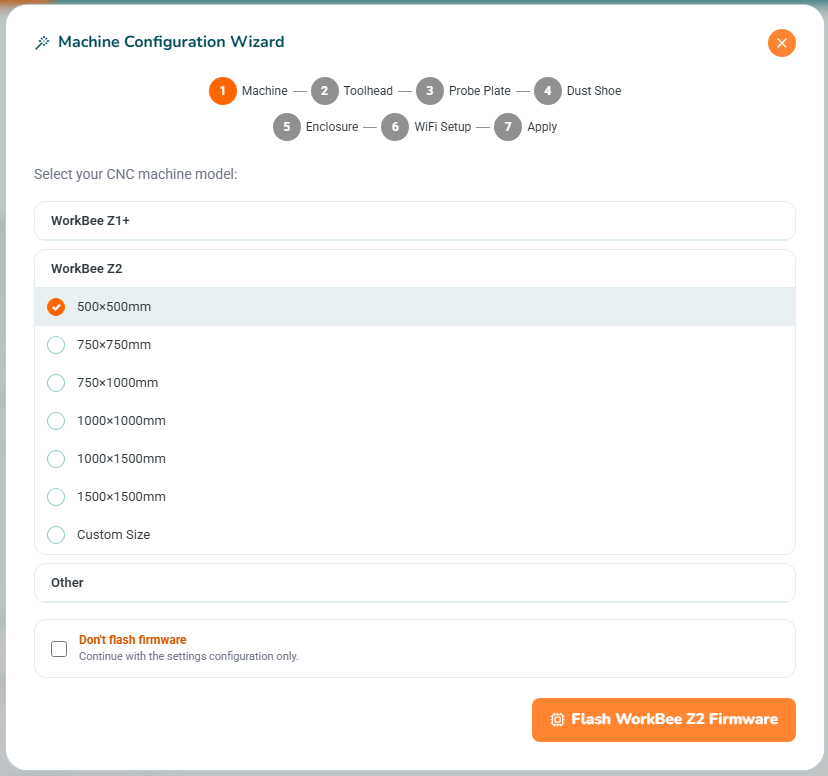 |
Start with USB and configure the actual machine and accessories. |
| 4.3 Testing Your WorkBee | 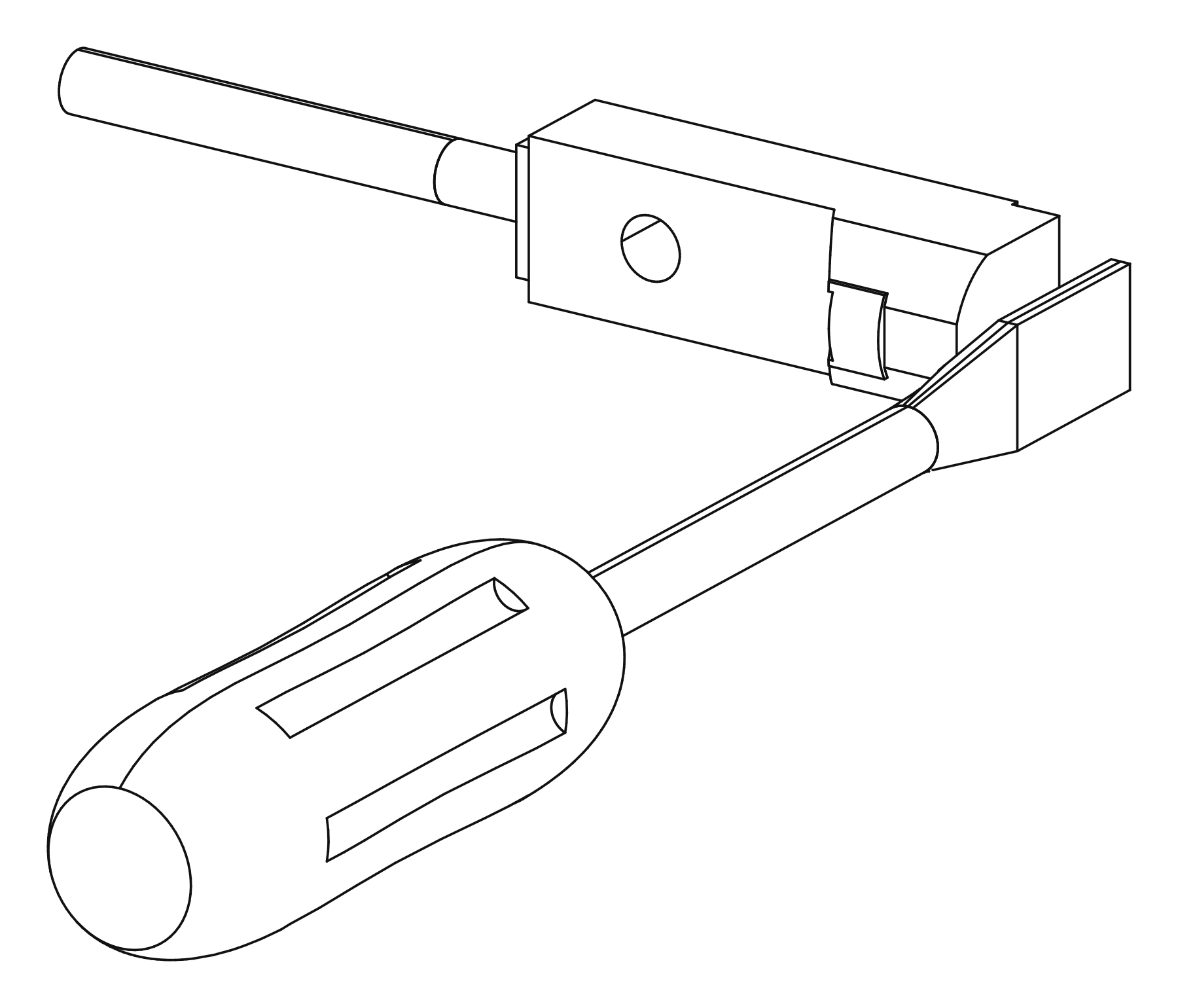 |
Emergency stop, inductive inputs, homing, movement and lead-screw tensioning. |