¶ Console
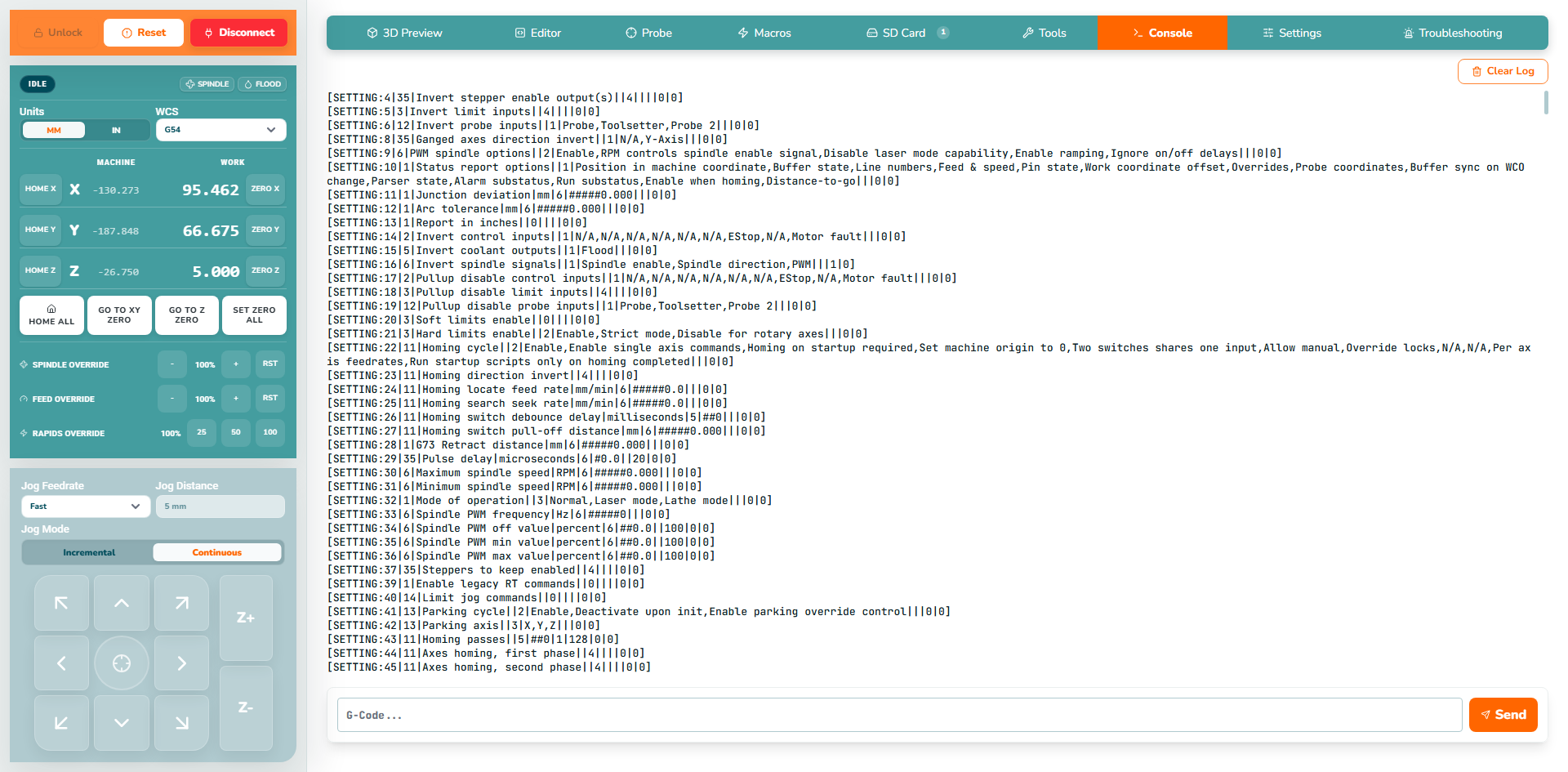
Console shows communication with the controller and lets you send individual commands. Use the normal controls for routine homing, jogging, zeroing and job control.
Commands you send are outgoing requests; the following replies come from the controller. Keep the exact error and preceding messages when investigating a rejected command.
¶ 1. Communication Log
| Instructions | Preview |
|---|---|
|
 |
¶ 2. Send a command
| Instructions | Preview |
|---|---|
|
 |
¶ Read-only identification example
Enter $I and click Send. A connected grblHAL controller returns firmware/build identification; the exact text depends on its firmware. This query does not command movement or change settings.
¶ 3. Clear Log
Before clearing, copy useful messages or take a screenshot. For a support report, also use Export Troubleshooting Information.
| Instructions | Preview |
|---|---|
|
 |
¶ Next steps
Continue to Troubleshooting.