¶ Macros
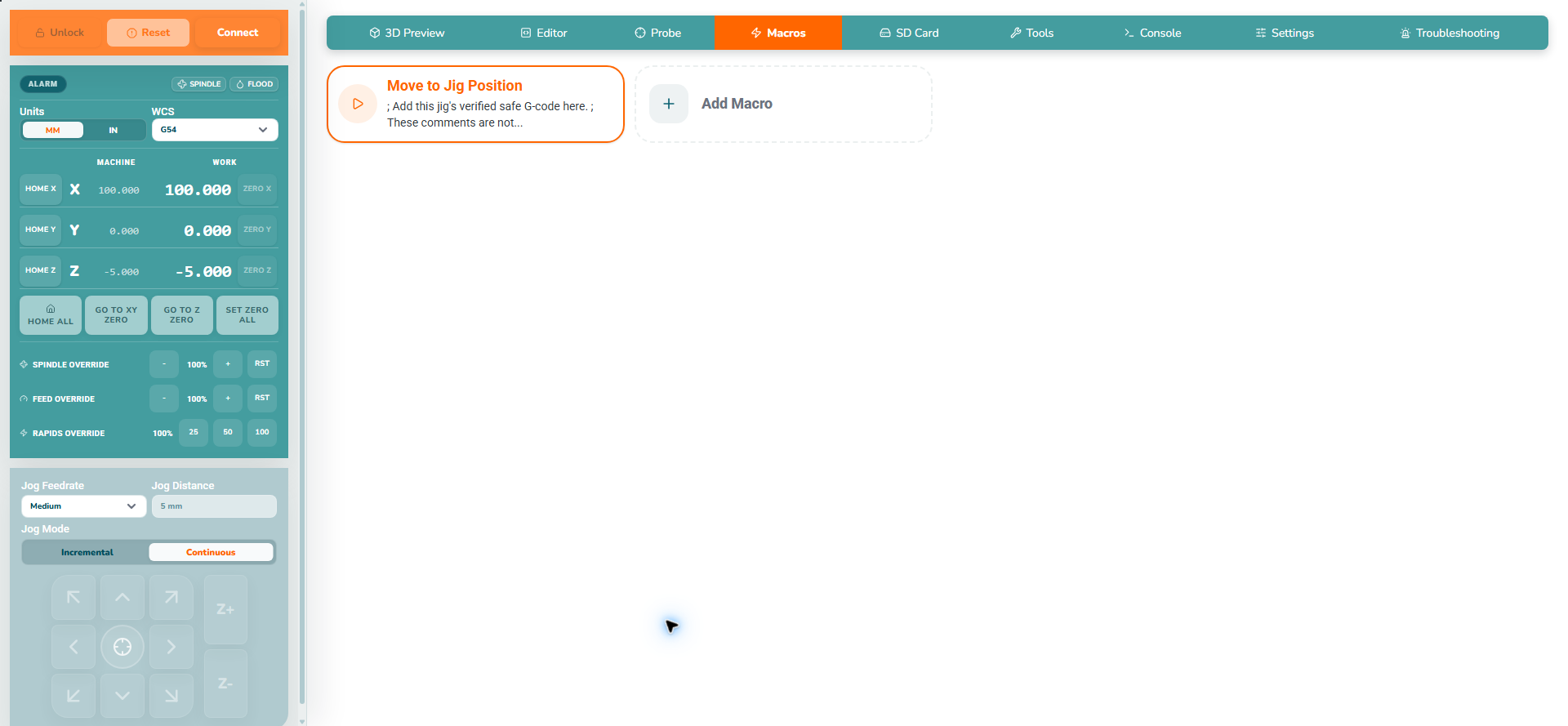
Macros are saved sequences of controller commands, run with one click.
Clicking a macro runs its commands immediately. Commands can move the machine, change coordinates or start outputs. Read the sequence and check the machine before running it.
¶ 1. Saved macros
| Instructions | Preview |
|---|---|
|
 |
¶ 2. Create a macro
| Instructions | Preview |
|---|---|
|
 |
¶ 3. Edit or delete a macro
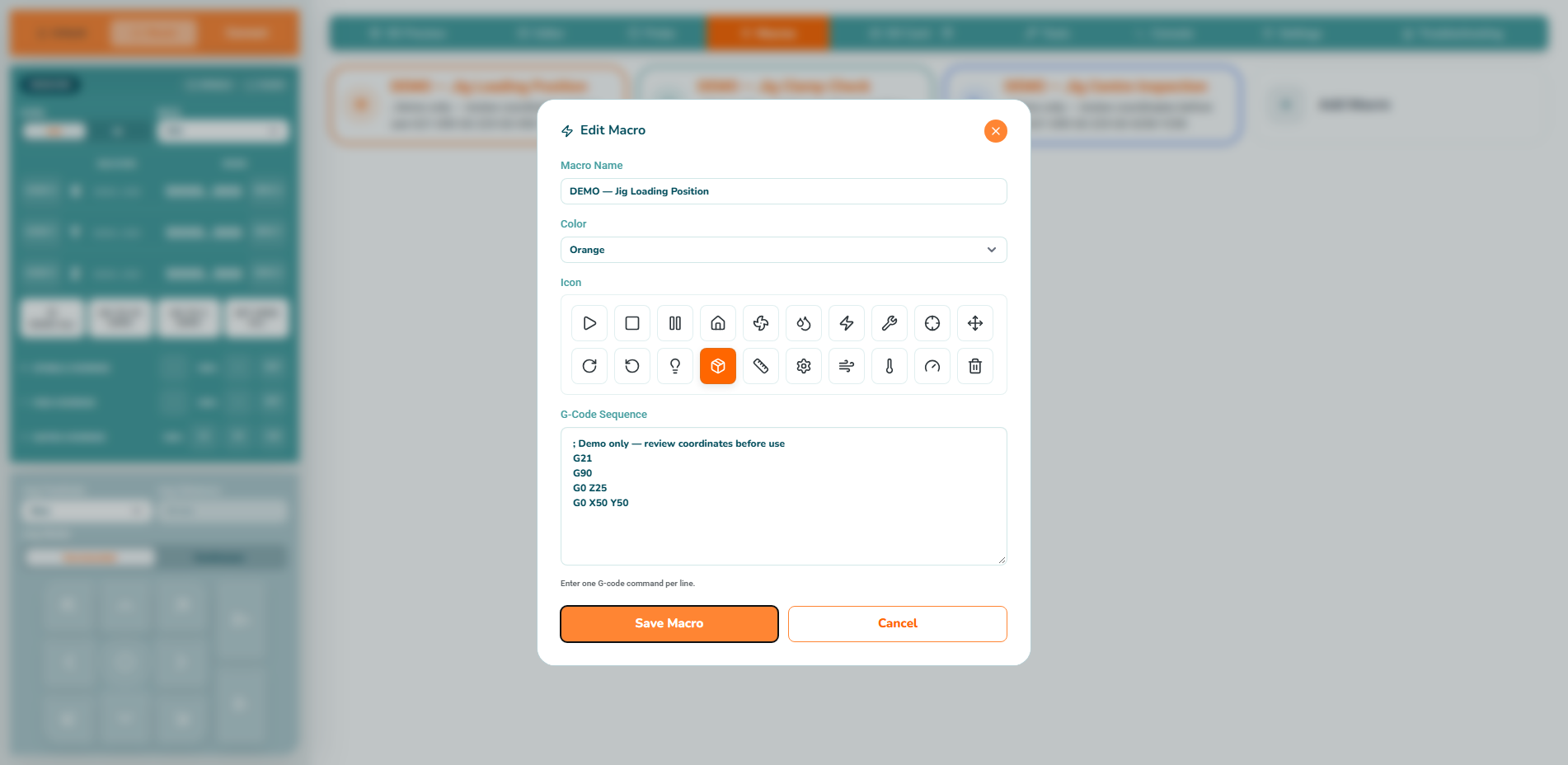
Use the saved card's Edit button to open its definition, review the commands and save the change. Use Delete to remove an unwanted macro and read the confirmation before approving. Click the main card only when you intend to execute it.
¶ 4. Storage and a read-only example
Macros are stored in the current application/browser profile, not on the controller. They are not included in a controller-settings backup; keep a separate copy of useful command sequences before changing computers or profiles.
To practise without moving the machine, create a macro named Controller identification containing just $I. Save it, open Console, then run it while connected. The controller returns firmware/build identification rather than an axis move; the exact response depends on its firmware.
¶ Next steps
Continue to Main Screen.