SD Card manages files on the controller’s SD card.
| Instructions |
Preview |
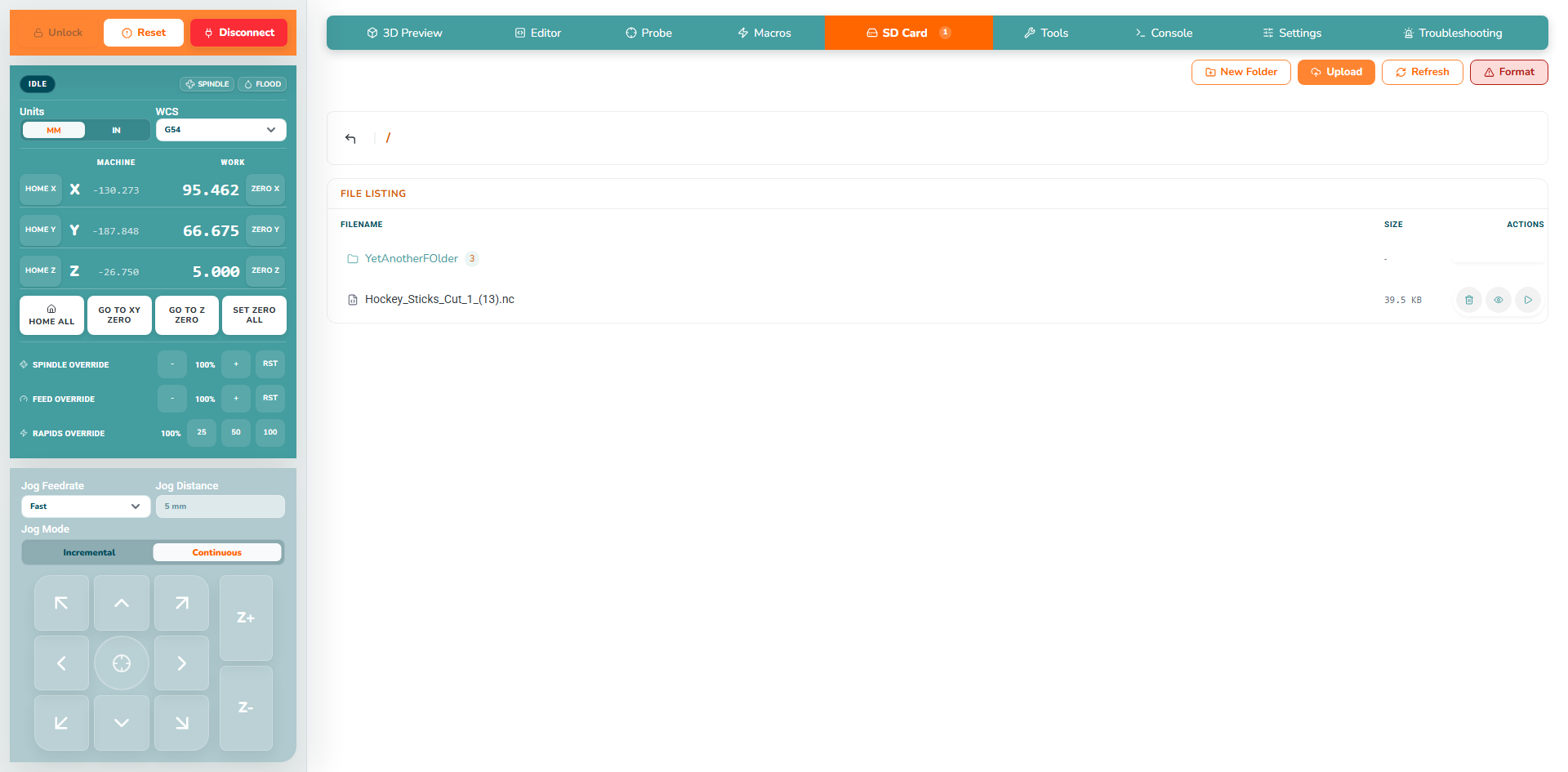
- Connect to a controller, then open SD Card.
- New Folder: creates a folder at the current location.
- Upload: copies a file to the SD Card.
- Refresh: reads the directory again.
- Format: reformats the SD Card - erases everything.
|
 |
¶ 2. Preview and upload
Open a folder to browse its contents; use the parent-folder navigation to return. To upload, first choose the destination folder, click Upload, select the intended file and wait for completion. Click Refresh, then check its filename and size. The Editor's Upload to SD provides another route for edited files.
| Instructions |
Preview |
- The SD card contents are shown with file sizes and action buttons.
- Check the current folder and intended filename.
|
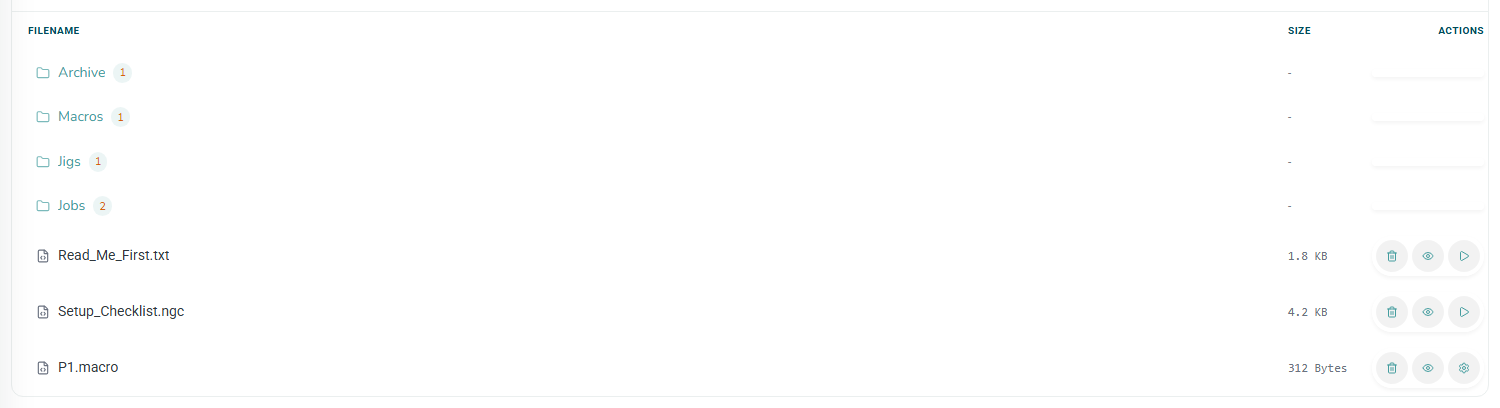 |
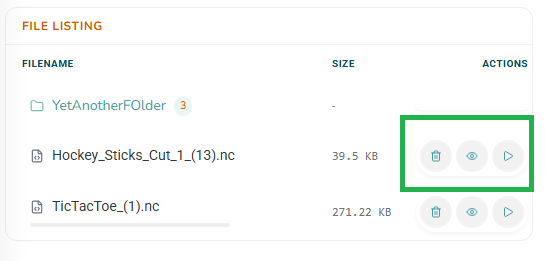
- Preview loads that file for inspection; it is not the Run action.
- Run starts that file after confirmation and can cause real machine movement.
- Delete removes that row's item after confirmation.
|
 |
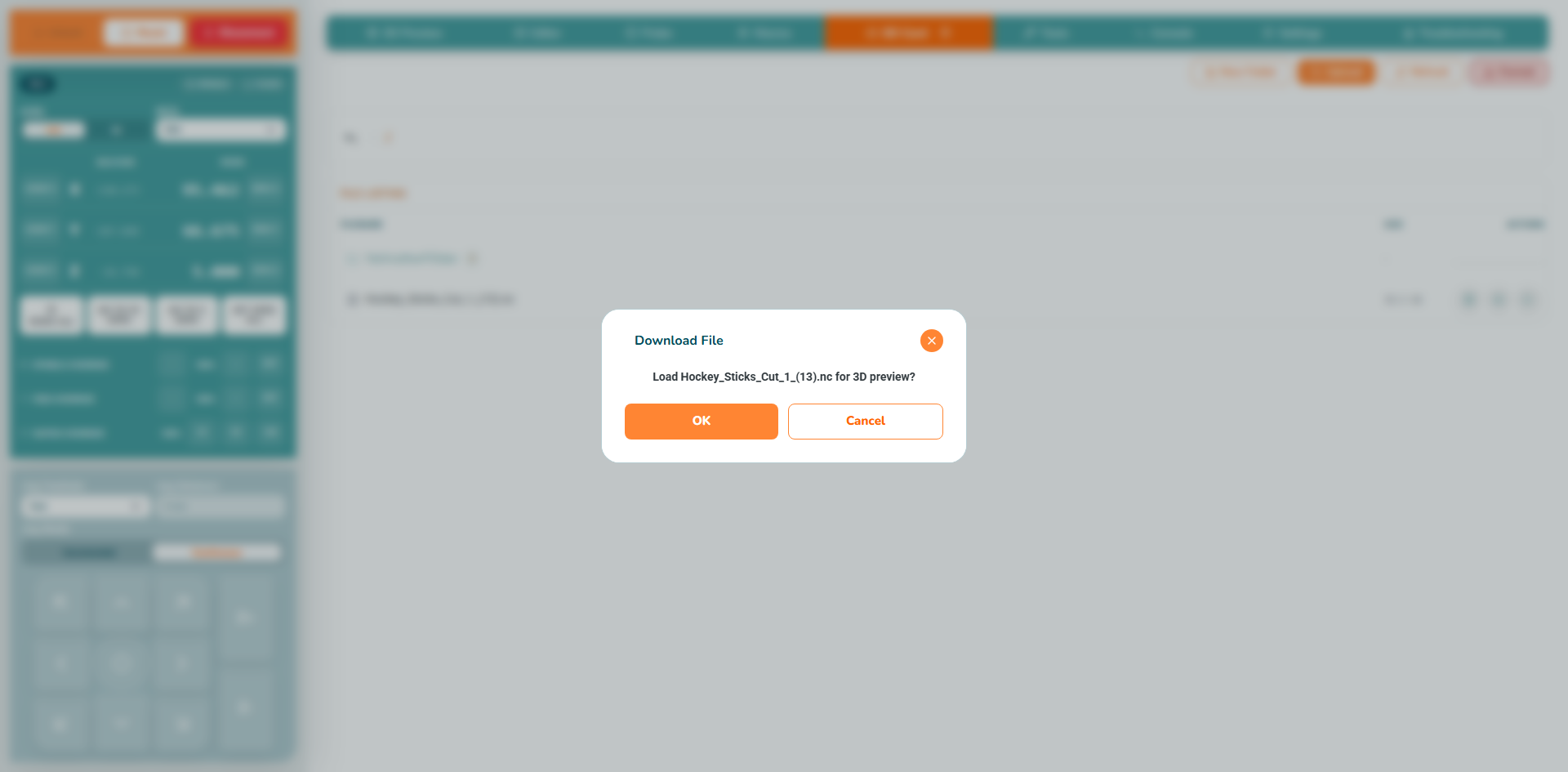
- Choose the preview action to show the file in the 3D Preview.
|
 |
| Instructions |
Preview |
- Load the preview and review the intended file before running.
- Check work zero, tool, workholding, cutting depth, clearance and spindle operation against the real setup.
|
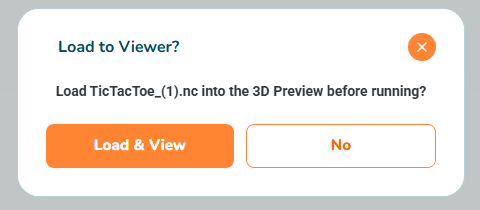 |
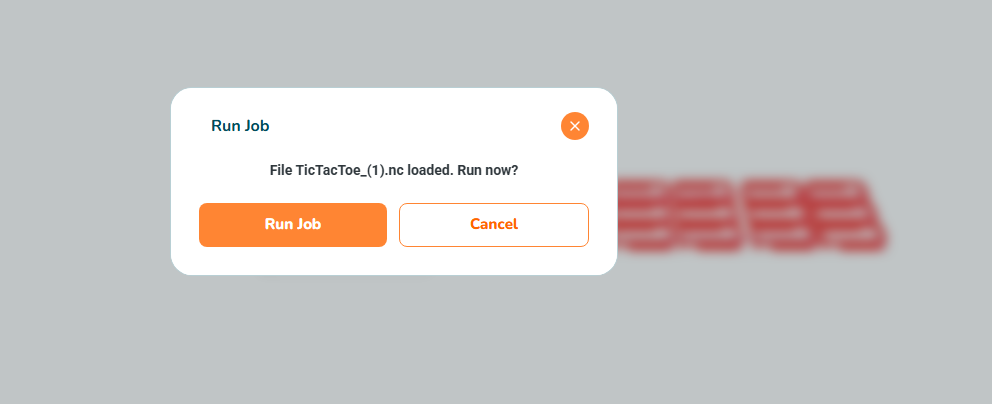
- After reviewing, start from the popup dialog or Run Job > Run from SD.
- Read the confirmation: approving starts the job. Watch the first moves.
- SD execution uses controller-reported progress, not the computer's streamed-line buffer. Wait for IDLE and verify actual motion and spindle have stopped before approaching.
|
 |
| Instructions |
Preview |
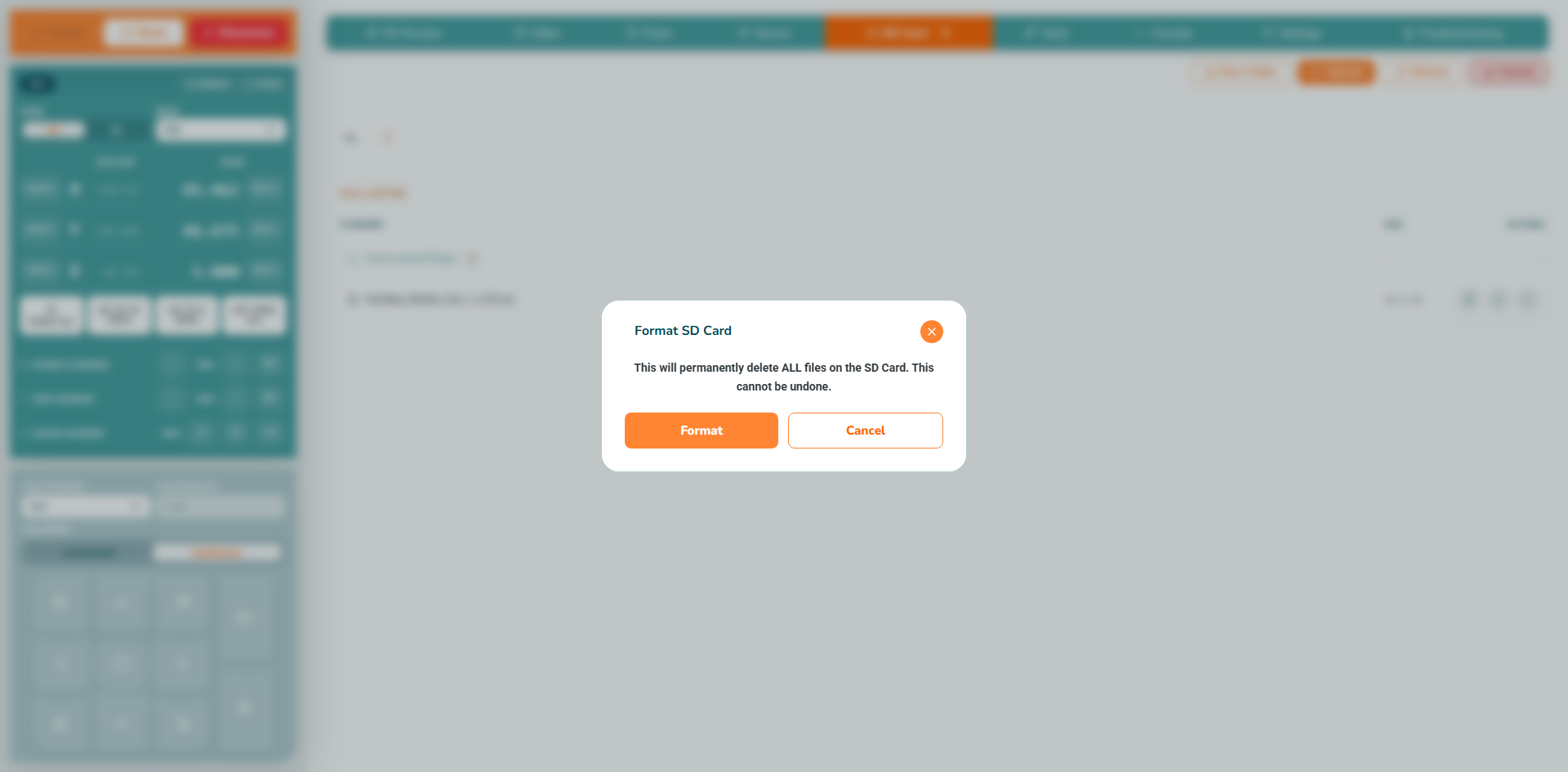
- Keep copies of required files elsewhere before using Format SD Card.
- Read the confirmation: approving permanently deletes the entire card's contents.
- Formatting does not repair physical card faults. If faults recur, stop relying on that card and investigate before running another job from it.
|
 |
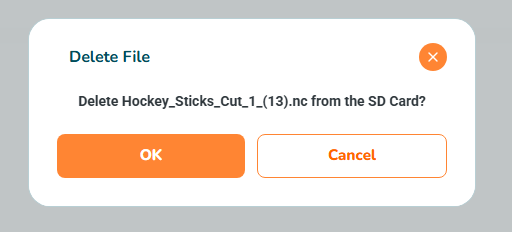
- Use the individual Delete action for one unwanted file instead; verify its name before approving deletion.
|
 |
Continue to First Job.