¶ Spoilboard Grid
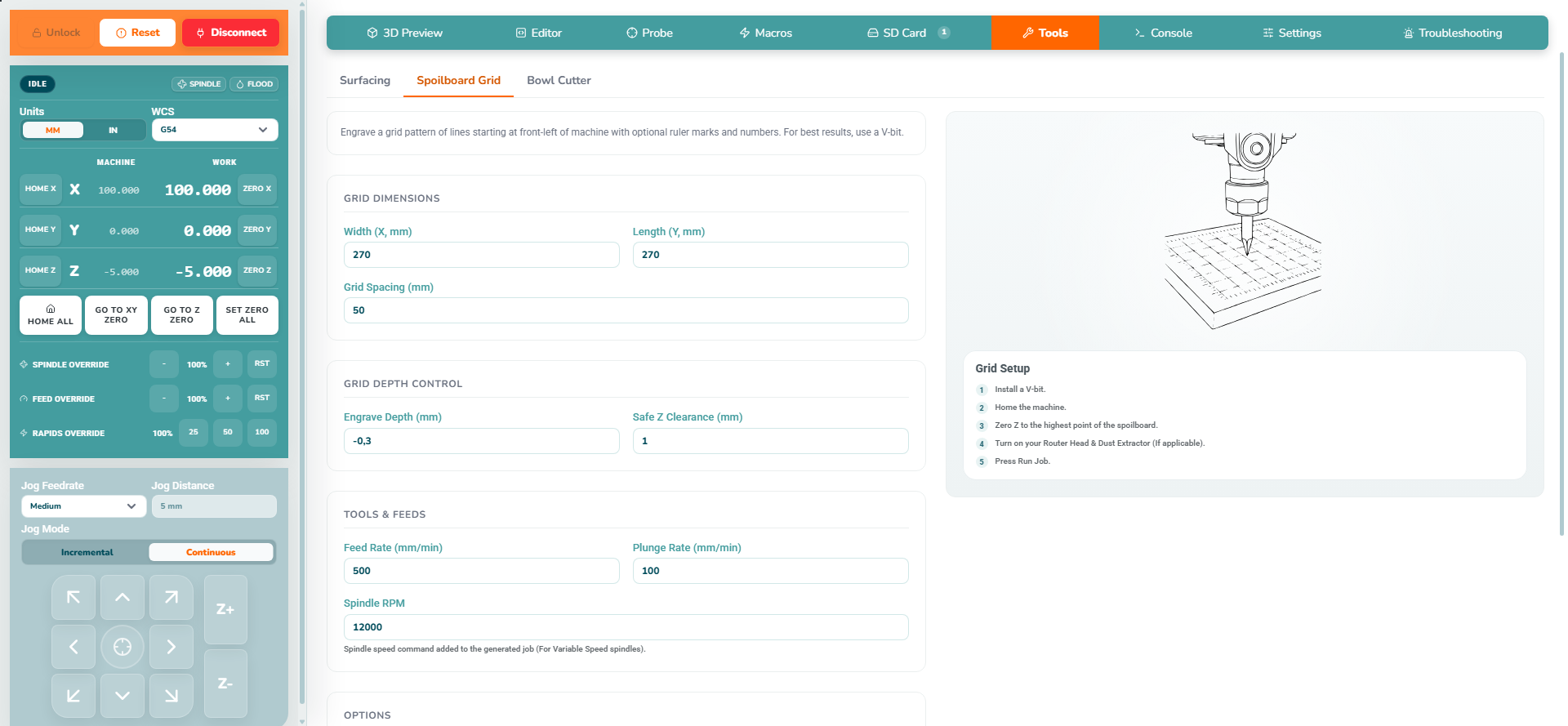
Use Tools → Spoilboard Grid to generate shallow grid lines and optional ruler markings on a spoilboard.
¶ Step 1: Prepare the spoilboard
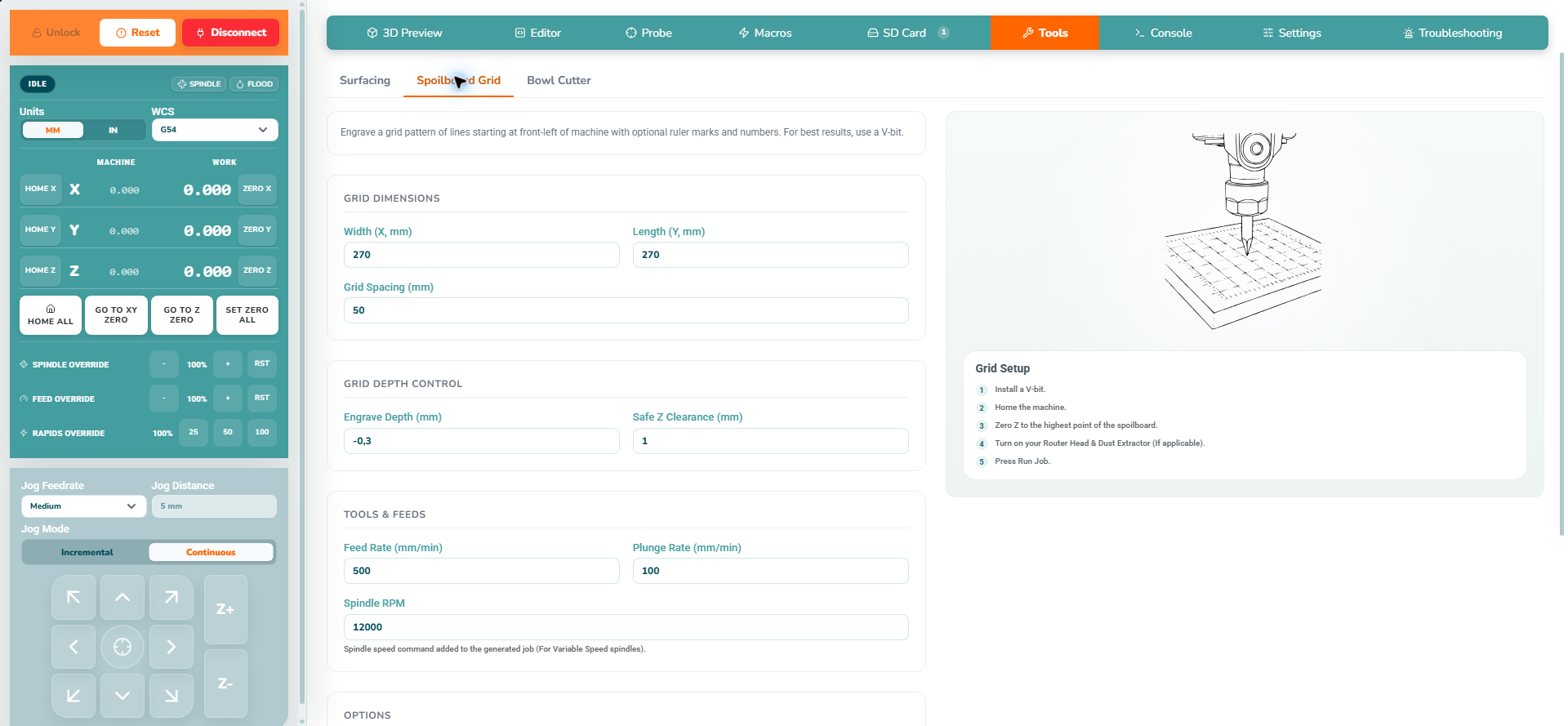
Start with a flat, secure spoilboard; use Surfacing first if needed. Keep fixtures outside the entire engraved area and allow room for edge ruler ticks and labels.
Select G54 before setting or probing work zero. The generated job uses G54, and clearance height is measured from G54 Z zero.
| Instructions | Preview |
|---|---|
|
 |
¶ Step 2: Configure the grid
| Instructions | Preview |
|---|---|
|
 |
¶ Step 3: Generate and inspect
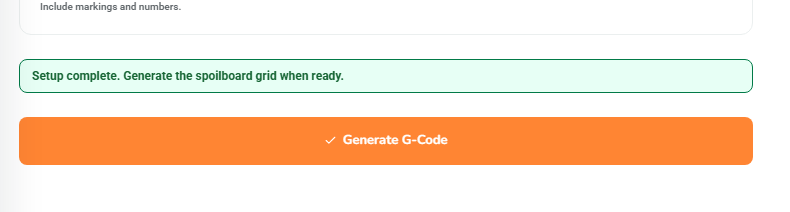
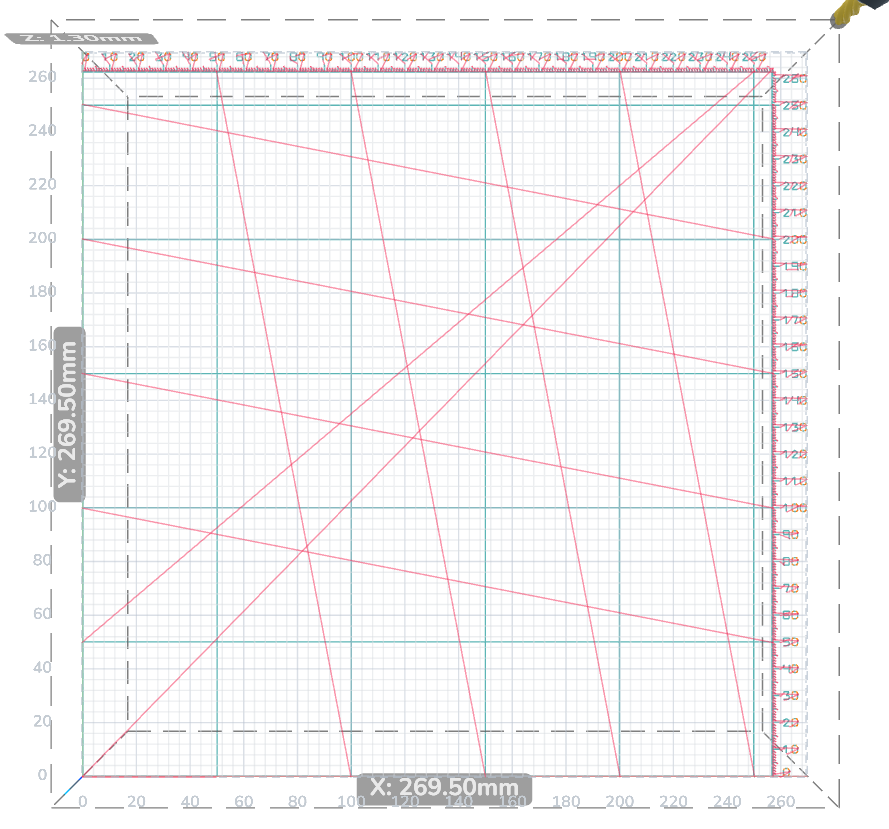
Generate G-Code writes a calculated G54 X/Y offset to the connected controller, based on the machine workspace, and includes that command in the file. Home first and check the intended reference before generating. Keep the Z zero established at the spoilboard surface.
| Instructions | Preview |
|---|---|
|
 |
|
 |
¶ Step 4: Run and inspect the result
Set and start a manual router yourself, or verify the generated spindle commands for a correctly configured controlled spindle. Start extraction, then click Run Job > Run (Streaming) and approve only after the final checks. Keep the computer connected and watch the first moves.
Wait for IDLE and for all machine motion to finish. Switch off a manually controlled router. Wait for the cutter to stop completely, then isolate power before cleaning or handling the cutter or workpiece. Check that the grid is shallow, legible and correctly oriented, and that its rulers agree with the intended machine reference.
¶ Next steps
Use the grid as a positioning aid, not a substitute for establishing each job's work zero. Follow First Job for stock setup and cutting checks.