 |
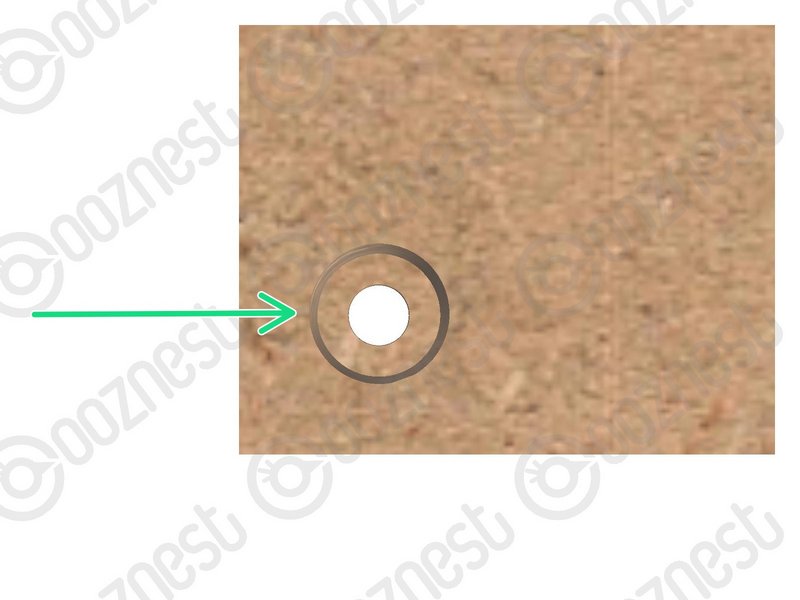
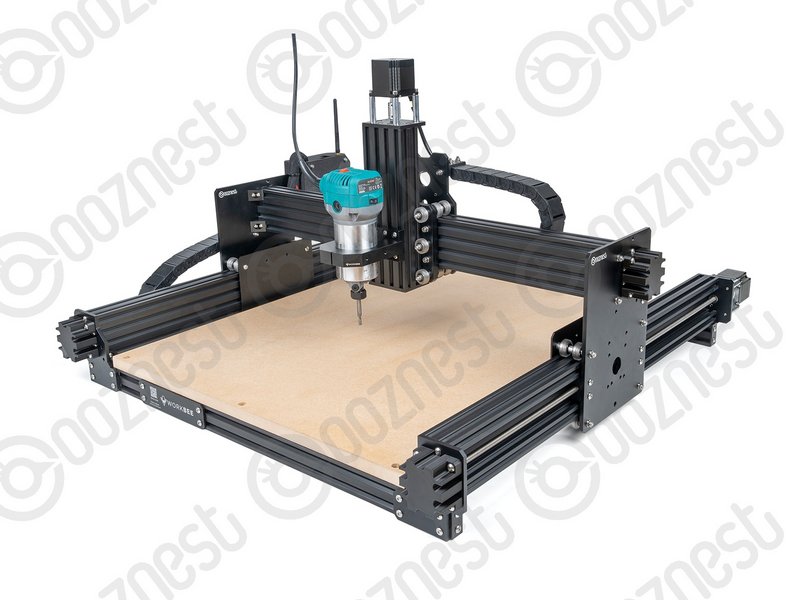
- With the router isolated, fit a suitable surfacing cutter. Check that all fixing heads are below the intended finished surface.
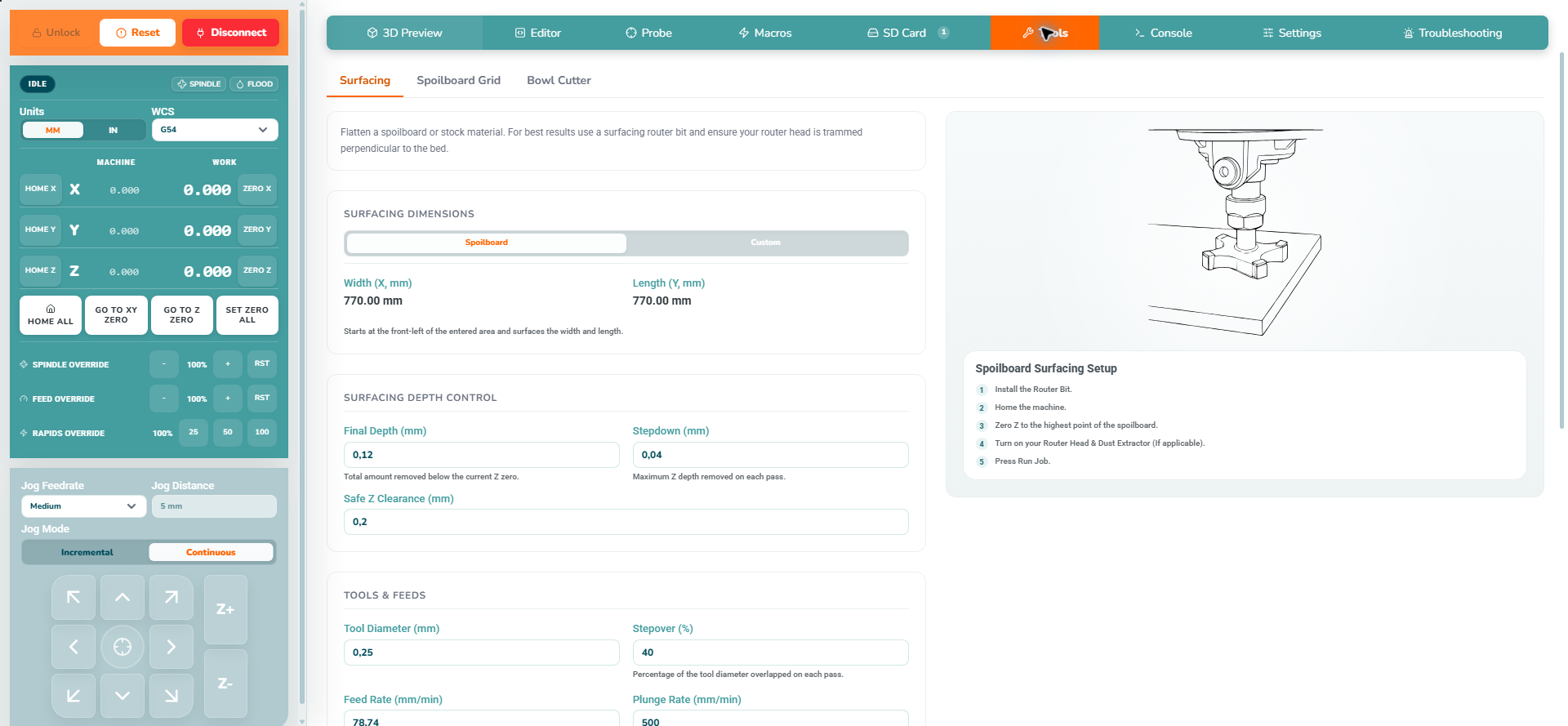
- In Ooznest Control, open Tools > Surfacing and select Spoilboard.
- Home the machine and set Z zero at the highest point of the spoilboard. Spoilboard dimensions come from the configured controller travel settings.
- Follow the Surfacing Wizard guide to enter the actual cutter diameter, removal depth, stepdown, stepover, feed rates and safe Z clearance. Screenshot values are examples.
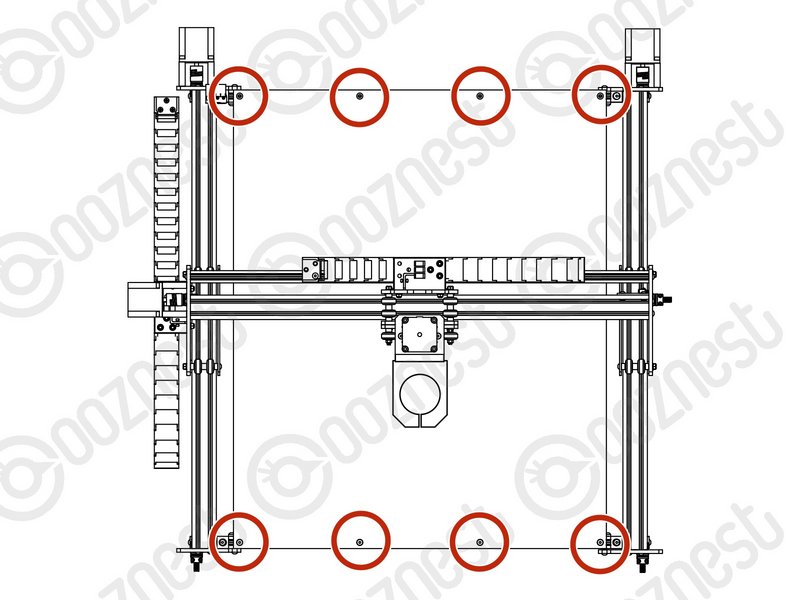
- Generate the G-code and inspect the complete path in 3D Preview. Check the full cutter sweep, including any framing pass, clears every bolt, clamp and machine part.
- Follow the guide to start the router and extraction and run the program. Stay with the machine and watch the first moves and cutting pass.
- After the program finishes, wait for all motion and the spindle to stop. Isolate the router before cleaning and checking the surface.
|